Fathom
-- sidebar_position: 12 tags: [Lakehouse, Data sources] Slug: datasources-connect-fathom
Fathom
Adding Fathom as data source
Do the following to add Fathom as data source:
-
From the left navigation panel, click Lakehouse and then click Data Sources.
-
From the upper right corner of the page, click the + New Data Source button to start the process of adding a new database.
-
In the New Data Source page, click the Fathom icon.
-
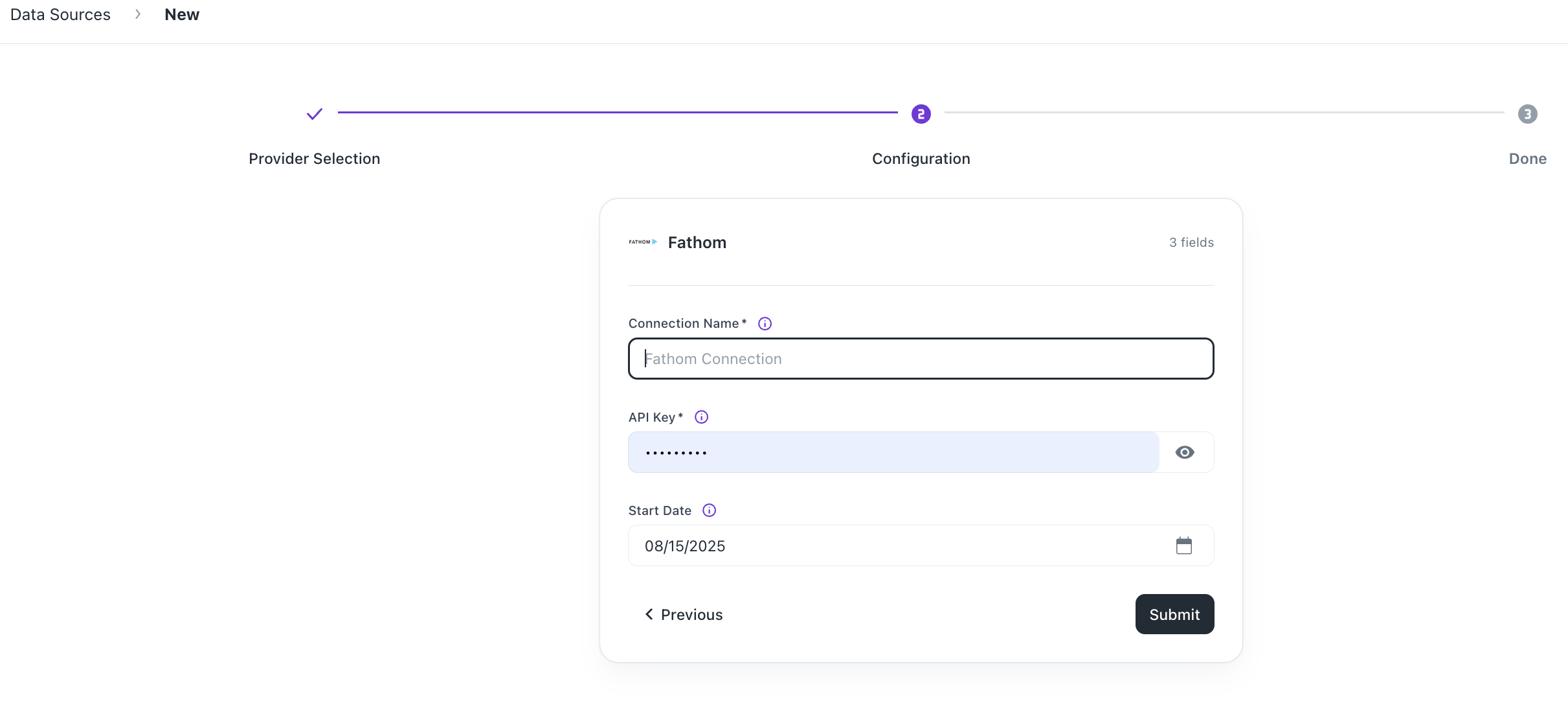
Specify the following details to add Fathom. Once you have connected a data source, the system immediately fetches its schema. After this schema retrieval process is complete you can browse and interact with the tables and data. | Field | Description | | ------- | ----------- | | Connection Name | Enter a unique name for the connection. | | API Key | Specify your Fathom API Key. You can generate this from your Fathom account settings under Integrations > API. | | Start Date | Enter the date in the MM-DD-YYYY format. DataGOL will replicate the data updated on and after this date. If this field is blank, DataGOL will replicate data for the last two years. This applies only to incremental streams. |
-
Click Submit.
Was this helpful?